Figma Masterclass 101
About Course
Figma is a cloud-based, collaborative design tool primarily used for creating user interfaces (UI) and user experiences (UX) for websites and mobile apps. It allows teams to design, prototype, and gather feedback in real-time within a web browser or desktop app. Key features include FigJam (digital whiteboarding), Dev Mode (code generation), and AI-powered tools.
Key Features and Capabilities:
Real-time Collaboration: Multiple users can work on the same file simultaneously, making it ideal for remote teams.
Vector Design & Prototyping: Used for creating, editing, and designing vector graphics, as well as building interactive, clickable prototypes.
Dev Mode: A dedicated space for developers to inspect designs and extract code snippets, bridging the gap between design and development.
FigJam: A digital whiteboard for brainstorming, ideation, and planning.
Figma AI: Tools that assist with automating tasks, generating content, and accelerating workflows.
Figma Sites & Slides: Features for building websites directly in the tool and creating collaborative presentations.
Common Use Cases:
Interface Design: Designing layouts for websites and mobile applications.
Prototyping: Creating interactive, high-fidelity prototypes to simulate user experience.
Wireframing: Creating low-fidelity, structural representations of designs.
Brainstorming: Using FigJam for team collaboration, workshops, and brainstorming sessions.
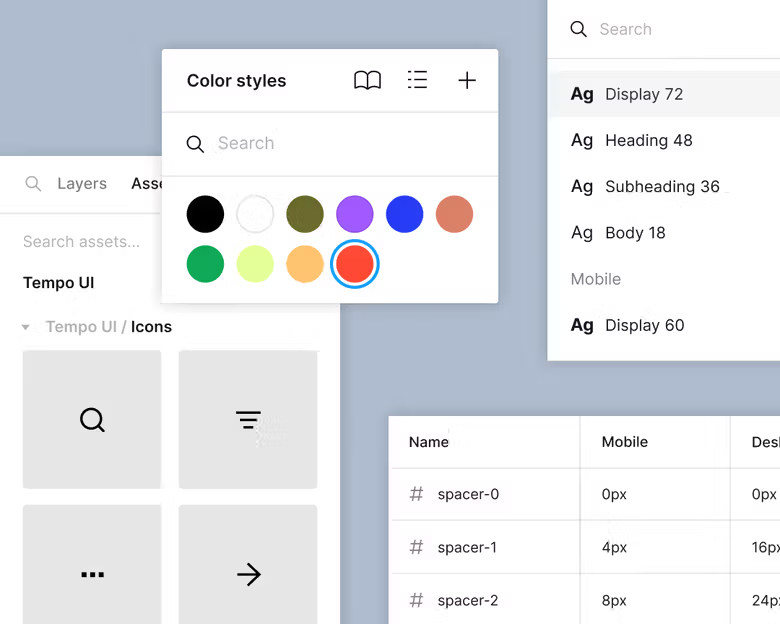
Design Systems: Managing shared, consistent components across large projects.
Figma operates on a browser-based, “freemium” model, making it accessible for individual designers to start for free, with paid plans available for teams and organizations.
Course Content
Introduction
-
Introduction
00:28
Student Ratings & Reviews